OpenAI probe configuration worksheet (with custom token sets)
Running synthetic probes against the OpenAI API sounds straightforward, until you realize that a 10-token "hello world" completion and a 2 000-token summarization request produce wildly different latency profiles. If your monitoring probes do not mirror the token shapes your production traffic actually sends, the numbers you collect are noise, not signal. This worksheet walks you through designing probe configurations that use custom token sets so every measurement reflects real workload behavior.

Photo by Jeswin Thomas from Pexels
Running synthetic probes against the OpenAI API sounds straightforward, until you realize that a 10-token "hello world" completion and a 2 000-token summarization request produce wildly different latency profiles. If your monitoring probes do not mirror the token shapes your production traffic actually sends, the numbers you collect are noise, not signal. This worksheet walks you through designing probe configurations that use custom token sets so every measurement reflects real workload behavior.
TL;DR
- Default single-token probes underestimate real-world TTFB and total latency by 30–60 % for longer completions.
- Custom token sets let you match probe payloads to your actual prompt/completion distribution (short chat, medium RAG, long summarization).
- A three-tier probe strategy (small / medium / large token set) covers most production traffic patterns.
- Pair each token set with region-specific scheduling to catch variance across OpenAI's global infrastructure.
- Observinio's daily probes from 21 regions can run each token set independently, giving you per-shape, per-region baselines.
Why default probes fall short

Most monitoring setups ship with a single "ping" probe: a minimal prompt that asks the model to return one word. That probe is useful for checking whether the endpoint is alive, but it tells you almost nothing about how the API behaves under realistic load. Here is why:
- Prompt-processing time scales with input tokens. A 50-token prompt and a 1 500-token prompt hit different code paths in the inference stack. Prefill time grows roughly linearly with input length, so a short probe hides the latency your users actually experience.
- Completion length affects streaming TTFB differently than total latency. When you request
max_tokens: 800, the model's decode phase dominates wall-clock time. A probe capped atmax_tokens: 5never exercises that path. - Token-budget throttling is invisible to tiny probes. OpenAI applies rate limits in tokens-per-minute. A probe that consumes 15 tokens per call will never trigger the throttle, even when your production traffic is being shaped.
Anatomy of a custom token set
A "token set" in this context is a pair of values plus supporting metadata:
- Input token count, the approximate number of tokens in the probe prompt.
- Requested output token count, the
max_tokens(ormax_completion_tokensfor newer API versions) value. - Model identifier, e.g.,
gpt-4o,gpt-4o-mini,gpt-3.5-turbo. - Temperature, keep it at
0for deterministic, reproducible latency measurements. - Region tag, which Observinio probe region(s) should execute this set.
Example token-set definitions
| Set name | Input tokens | Max output tokens | Model | Use case |
|---|---|---|---|---|
chat-short | ~60 | 150 | gpt-4o-mini | Quick chatbot replies |
rag-medium | ~800 | 400 | gpt-4o | RAG-augmented Q&A |
summarize-long | ~2 000 | 800 | gpt-4o | Document summarization |
Step-by-step: building your probe worksheet
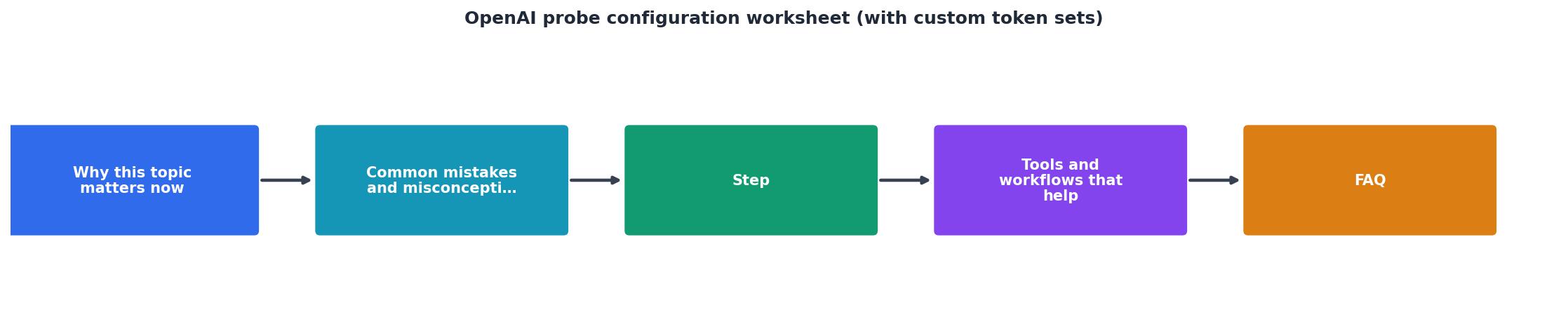
Follow these seven steps to go from zero to a production-grade probe configuration.
- Inventory your traffic classes. Pull the last 7 days of API logs and bucket requests by input-token range: 0–100, 100–500, 500–1 500, 1 500+. Note the median
max_tokensfor each bucket. - Select representative prompts. For each bucket, pick (or craft) a prompt that lands in the middle of the token range. Avoid prompts that contain PII or proprietary data, probes run on external infrastructure.
- Tokenize and verify. Use
tiktokento confirm your prompt hits the target count:
   import tiktoken
   enc = tiktoken.encoding_for_model("gpt-4o")
   tokens = enc.encode(prompt_text)
   print(f"Token count: {len(tokens)}")
- Define the token sets. Create a JSON or YAML config for each set:
probe_sets:
- name: chat-short
model: gpt-4o-mini
prompt_file: prompts/chat_short.txt
max_tokens: 150
temperature: 0
regions:
- us-east-1
- eu-west-1
- ap-northeast-1
- name: rag-medium
model: gpt-4o
prompt_file: prompts/rag_medium.txt
max_tokens: 400
temperature: 0
regions: all
- name: summarize-long
model: gpt-4o
prompt_file: prompts/summarize_long.txt
max_tokens: 800
temperature: 0
regions: all
- Set scheduling cadence. Short probes can run every 5 minutes with minimal cost. Medium and long probes are more expensive, schedule them every 15–30 minutes, or align them with Observinio's daily probe windows to keep spend predictable.
- Establish baselines. Run each set for at least 72 hours before setting alert thresholds. Record p50, p90, and p99 for both TTFB and total response time per region.
- Configure alerts. In Observinio, set degradation alerts per probe set. A 20 % increase over the p90 baseline for
summarize-longineu-west-1is a meaningful signal; the same threshold onchat-shortmight be too tight because absolute values are smaller.
Choosing the right regions for each token set

Not every token set needs to run from all 21 Observinio regions. A practical allocation strategy looks like this:
chat-short, run from the 3–5 regions where your users are concentrated. Short probes are cheap, so you can afford higher frequency in fewer locations.rag-medium, run from all regions. RAG workloads are latency-sensitive and often serve global users. Full regional coverage reveals routing asymmetries in OpenAI's infrastructure.summarize-long, run from all regions but at lower frequency. Long completions are expensive; a probe every 30 minutes from each region still gives you 48 data points per day per region, more than enough for trend analysis.
Regional variance and token length
Empirically, regional latency variance increases with token count. A chat-short probe might show a 40 ms spread between the fastest and slowest region, while summarize-long can show a 600 ms+ spread. This is because longer decode phases amplify any difference in GPU queue depth or network path between regions. Monitoring only short probes masks this effect entirely.
Interpreting results: what to look for
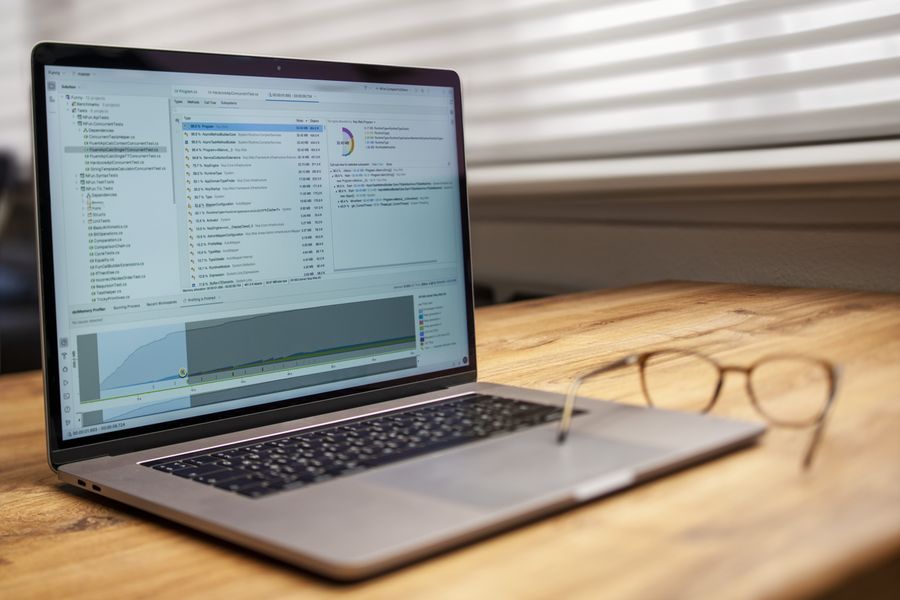
Once your probes are running, focus on these signals in your Observinio dashboard and weekly summaries:
- TTFB divergence between token sets. If
chat-shortTTFB stays flat butrag-mediumTTFB spikes, the provider is likely experiencing prefill congestion, the model is slower to start generating when the input context is larger. - Total latency ratio. Divide
summarize-longtotal latency bychat-shorttotal latency. A stable ratio (e.g., 5.2×) means the API is scaling linearly. A growing ratio means decode throughput is degrading for longer completions. - Region-specific regressions. A single region showing elevated p90 for all three token sets points to a network or data-center issue. A single region showing elevated p90 only for
summarize-longsuggests GPU capacity constraints in that region. - Baseline drift over weeks. Use Observinio's weekly summary emails to track whether baselines are creeping up. A 5 % week-over-week increase in
rag-mediump50 across all regions often precedes a larger degradation event.
"The amount it can pull at once from that kind of data submitted at once is limited and based on a similarity search.">, Token limit for Custom GPT's
This observation from the OpenAI community underscores why token-set sizing matters: the API's internal retrieval and processing behavior changes with payload size, and your probes need to reflect that.
Probe maintenance checklist
Probes are not set-and-forget. Use this checklist monthly:
Your progress is saved automatically in your browser.
Putting it all together: a sample worksheet
Below is a filled-out worksheet for a team running a customer-support chatbot with RAG and an internal document summarizer.
| Field | chat-short | rag-medium | summarize-long |
|---|---|---|---|
| Model | gpt-4o-mini | gpt-4o | gpt-4o |
| Input tokens | 55 | 820 | 2 100 |
| Max output tokens | 150 | 400 | 800 |
| Temperature | 0 | 0 | 0 |
| Regions | us-east-1, eu-west-1, ap-southeast-1 | All 21 | All 21 |
| Frequency | Every 5 min | Every 15 min | Every 30 min |
| TTFB alert threshold | p90 + 25 % | p90 + 20 % | p90 + 20 % |
| Total latency alert | p90 + 30 % | p90 + 25 % | p90 + 25 % |
| Monthly probe cost (est.) | ~$2.50 | ~$18 | ~$24 |
| Baseline window | 72 h | 72 h | 72 h |
This single worksheet gives the team full visibility into three distinct latency profiles across every region Observinio monitors.
FAQ
Frequently Asked Questions
summarize-long probe (2 000 input + 800 output tokens) on gpt-4o costs roughly $0.007 per call at current pricing. At one call every 30 minutes from 21 regions, that is about 1 008 calls/day, approximately $7/day or $210/month. For most teams, this is a small fraction of production spend and well worth the observability gain. Reduce frequency or limit regions if budget is tight.Start monitoring with real token shapes
If your current probes only send a handful of tokens, you are measuring an API that your users never see. Observinio's daily probes from 21 regions let you define distinct token-set configurations and track TTFB, total latency, and degradation per set. Set up your custom token sets today, establish baselines, and let Observinio's email alerts tell you the moment a specific workload shape starts slowing down, before your users notice.
Additional Resources
- Token limit for Custom GPT's - Token limit for Custom GPT's. The maximum size allowed for any individual file uploaded to OpenAI's API is 5 megabytes (MB).
- How to restrict the model to only consider a set of possible ... - Hi, how do I make openai.Completion.create() calls to only consider a small set of tokens as possible so that the choices and most likely tokens ...
- OpenAI - Configure OpenAI models. The providers list takes a config key that allows you to set parameters like temperature. Use the functions config to define custom ...
Monitor AI API latency from 22 regions
Observinio runs daily probes against OpenRouter and OpenAI endpoints and emails you when latency degrades.
Set up alerts